
How Warden Enforces Policies
Answer in short
- A policy.yaml names the command and the grants. Anything not listed is denied.
- Warden compiles that file into bubblewrap, Seatbelt, or AppContainer rules before the process starts.
- If the sandbox cannot be built, Warden does not run the server unsandboxed.
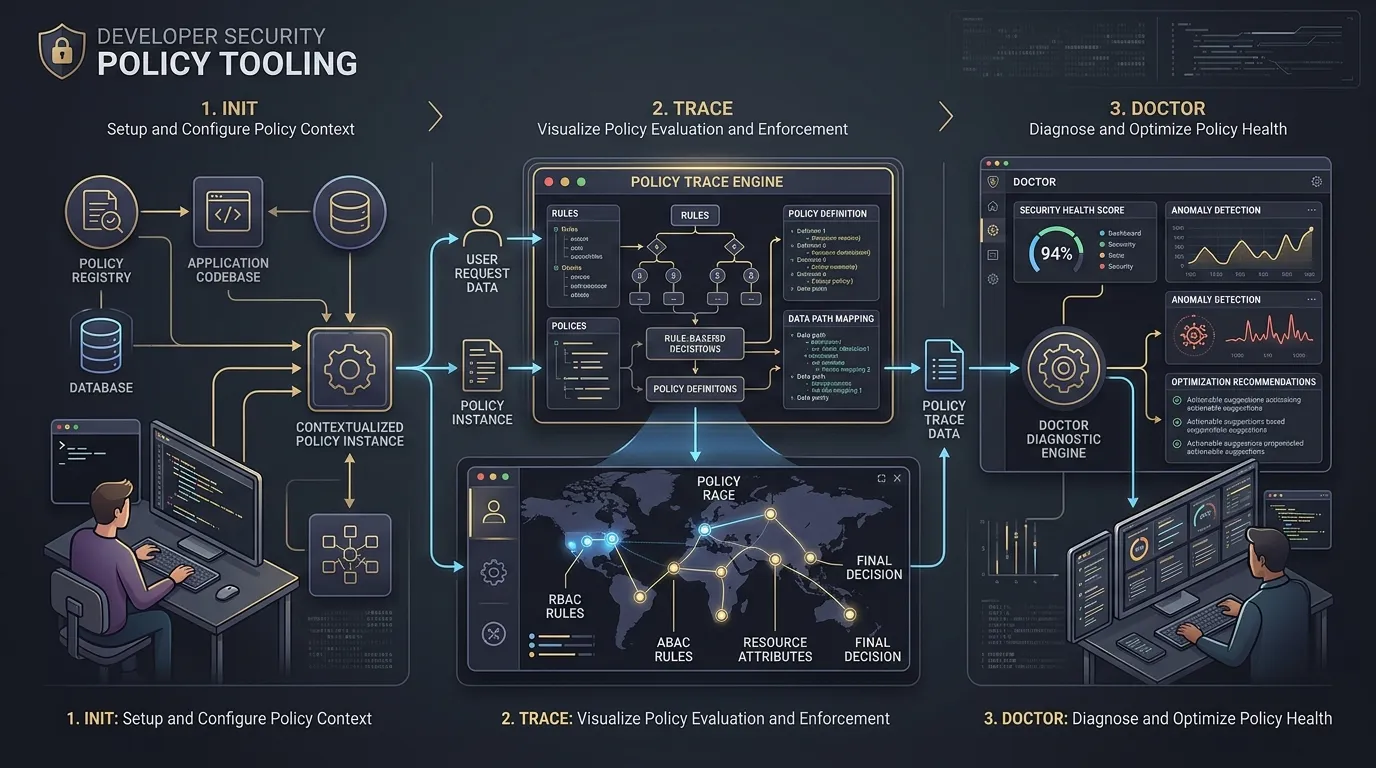
A Warden policy is a small YAML file that declares exactly what an MCP server is allowed to do. This article walks the path that file takes from warden run to the kernel, and why each step is designed to fail closed.
The policy file
A minimal policy declares a command and its grants:
command: npx -y @modelcontextprotocol/server-filesystem ./workspace

filesystem:
  read:
    - ./workspace
  write:
    - ./workspace/tmp

network:
  allow:
    - host: api.example.com
      port: 443

env:
  allow:
    - API_TOKEN

limits:
  maxMemoryMb: 1024
Everything not listed is denied. You don't write deny rules; absence of an allow rule is the deny rule.
warden init generates a first draft of this file by inspecting the server you want to run, and warden trace records what the server actually attempts so you can tighten the policy against real behavior instead of guessing.
From YAML to OS primitives
At launch, Warden compiles the policy into the sandbox primitive of the host platform:
- Linuxbubblewrap namespaces and bind mounts: only granted paths exist inside the mount namespace, and a network proxy mediates egress
- macOSSeatbelt (sandbox-exec) profiles compiled from the same policy
- WindowsAppContainer LowBox tokens plus Windows Filtering Platform (WFP) egress filters and Job Objects for resource limits
The same policy file produces equivalent enforcement on each platform. If the native backend can't provide the requested guarantee, Warden refuses to start the server rather than silently running with weaker isolation.
Fail-closed startup
Ordering matters at startup. The sandbox is fully constructedmounts, filters, env filtering, limitsbefore the server process is spawned. If any step fails, Warden aborts the launch and writes the reason to the audit log. There is no mode where a policy error results in an unsandboxed run.
Runtime denial
During execution, every blocked access is recorded:
{"ts":"2026-09-14T10:00:00Z","verdict":"deny","kind":"net","target":"unknown.example.com:443"}
The stream is JSONL, one event per line, so it can be piped into any log tooling. warden logs tails it locally.
Why not just use Docker?
Container images add an indirection layer, but they don't solve the grant problem: a container with default settings still has broad network access and whatever volumes you mount. Warden's deny-by-default policy, kernel-level network filtering, and per-platform enforcement are a tighter boundary for the specific job of running MCP serversand they work on the machine you already have, without a daemon. The about page covers this trade-off in more detail.
Try it
Install with npm install -g warden-sandbox-cli, then follow the quickstart or read about the sandboxing backends in depth.
Written by Prof-bilal. Creator and maintainer of Warden, an open-source sandbox runtime for MCP servers working on OS-level sandboxing, policy enforcement, and developer tooling across Linux, macOS, and Windows.