
Every Warden feature, explained in depth.
Warden is a local sandbox runtime for MCP servers. Nine commands cover that surface, from sandboxing a single server to wrapping a whole MCP client config. Everything below ships today and is backed by the test suite. For the full policy schema, see the policy schema docs.
warden run
CoreRun any MCP server inside the sandbox
The heart of Warden. Point it at a policy and a server commandWarden initializes an OS-native sandbox (bubblewrap on Linux, Seatbelt on macOS, AppContainer + WFP + Job Objects on Windows, Docker as a fallback), applies every grant, and only then starts the process. If the sandbox cannot be initialized, Warden refuses to run. Before launch it prints a summary of exactly what the server will and won't see.
- Deny-by-default: unlisted paths, hosts, and env vars are invisible, not merely blocked
- Backend auto-detection with --backend override (auto | linux | seatbelt | windows | docker)
- Resource limits enforced by the kernel: wall-clock timeout + memory RSS with SIGTERM → SIGKILL of the whole tree
- Exit code of the sandboxed server is propagated to your shell for scripting
warden run --policy <file> [options] -- <command...>warden run --policy policy.yaml -- /usr/bin/node server.js
warden run --policy policy.yaml --backend docker -- python app.py
warden run --policy policy.yaml --approve -- npx @modelcontextprotocol/server-github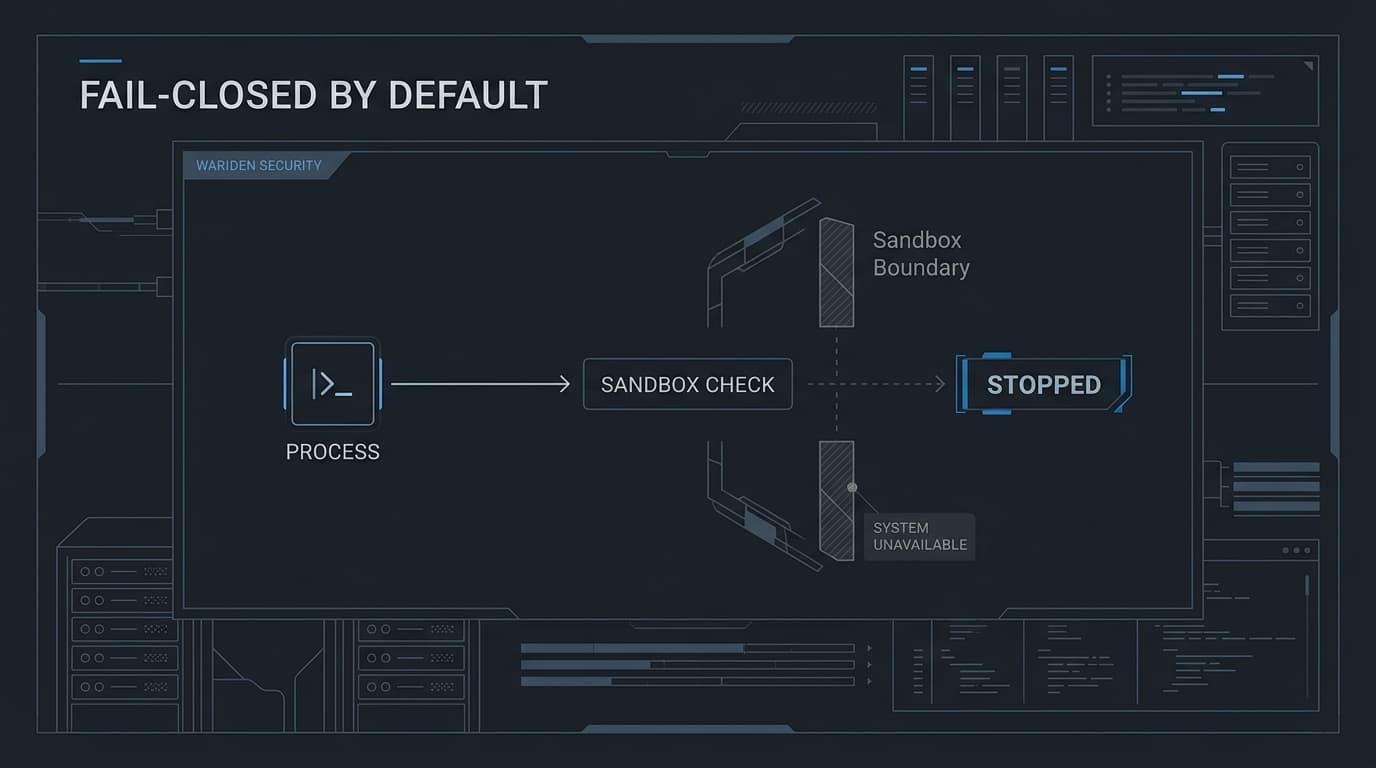
warden init
Draft a deny-by-default policy
Creates policy.yamlthe single file that describes everything a server may touch. Run it after a trace and it converts the recorded accesses into a conservative starter policy; or write one by hand using the schema. Warden refuses to overwrite an existing policy, so re-running is always safe.
- Generates filesystem read/write, network allowlist, env allowlist, and limits sections
- Reads the latest trace by default, or a specific log with --log
- Relative paths in the policy resolve against the policy file's directory
- Refuses to overwrite existing files (O_EXCL create)
warden init [--log <file>] [--output <file>]warden init
warden init --log trace.jsonl --output starter.yaml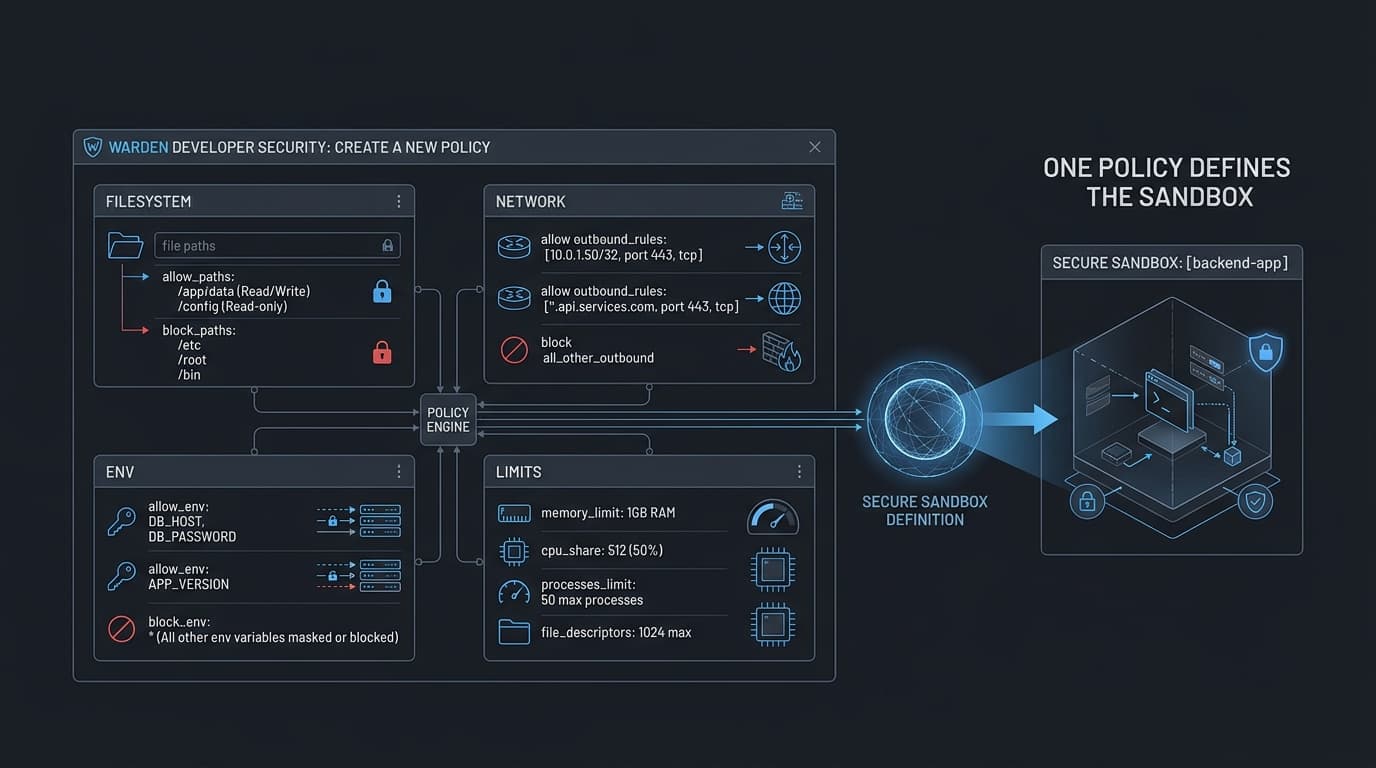
warden trace
Record what a server really accesses
Runs the server once without the sandbox (deliberately) and records every filesystem, network, and environment access to a JSONL trace. That trace is the raw material for warden initso the policy matches the server's real behavior instead of your guesswork. One run, one trace, one honest policy.
- Records access attempts as JSONL events in the Warden state directory
- The recommended flow: trace once → init → review the generated policy → run sandboxed
- Works with any command, including npx/uvx launchers
warden trace -- <command...>warden trace -- npx @modelcontextprotocol/server-github
warden trace -- /usr/bin/node server.js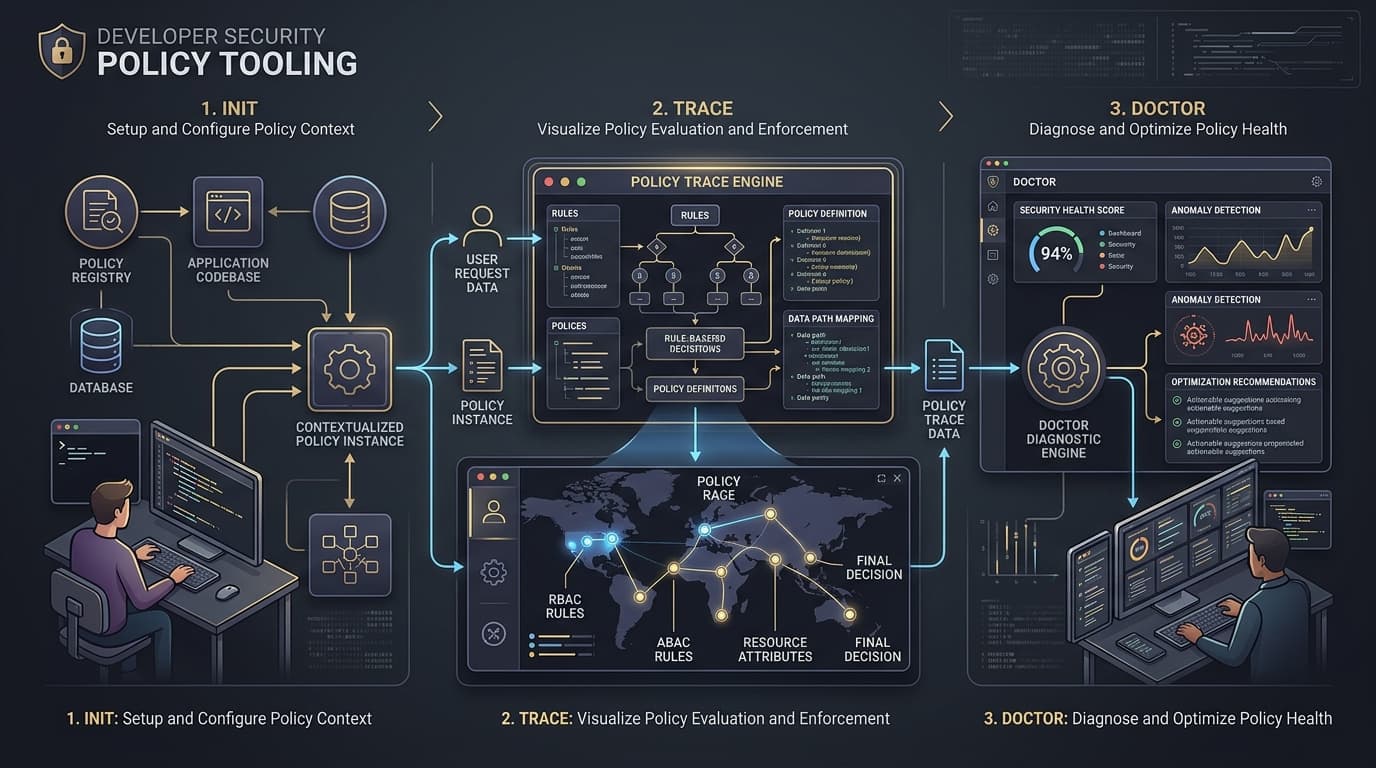
warden logs
Every allow/deny decision, on the record
Reads the audit loga JSONL file where Warden records each access decision a sandboxed server made, allowed or denied. Tail it live while a server runs, or review after an incident. The audit log is the product: claims about blocking are backed by entries you can grep.
- JSONL format: one decision per line, easy to ingest elsewhere
- --follow polls every 250ms for a live tail
- Custom log path via --log for parallel sessions
warden logs [--tail <n>] [--follow] [--log <file>]warden logs --tail 50
warden logs -f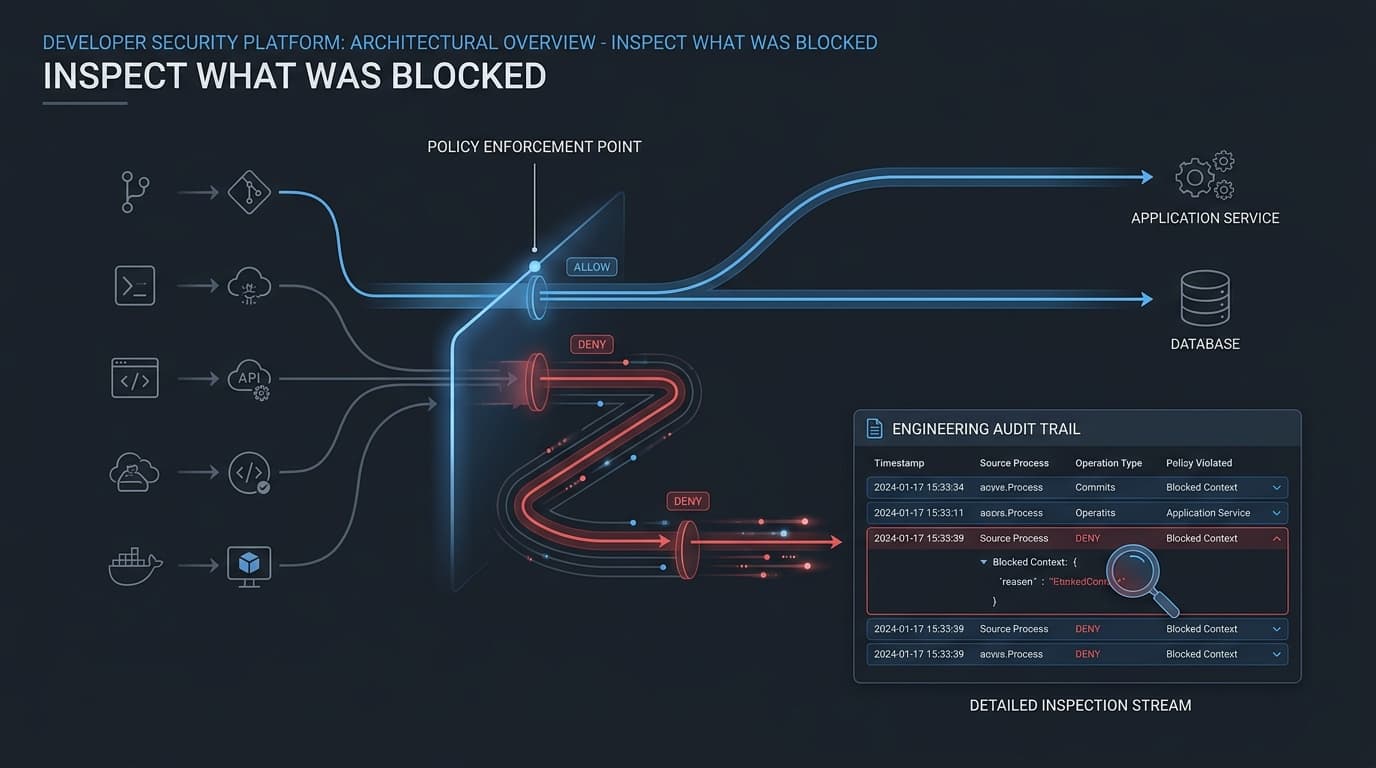
warden doctor
Verify your system can actually sandbox
Checks sandbox readiness before you rely on it: sandbox backend availability, namespace support, network enforcement primitives, and required runtime dependencies per platform. Use it in CI so a runner misconfiguration fails loudly instead of silently weakening enforcement.
- Detects bwrap / sandbox-exec / AppContainer availability
- Validates namespace and network enforcement support
- A failed check is never interpreted as 'sandbox disabled'Warden fails closed
warden doctorwarden doctor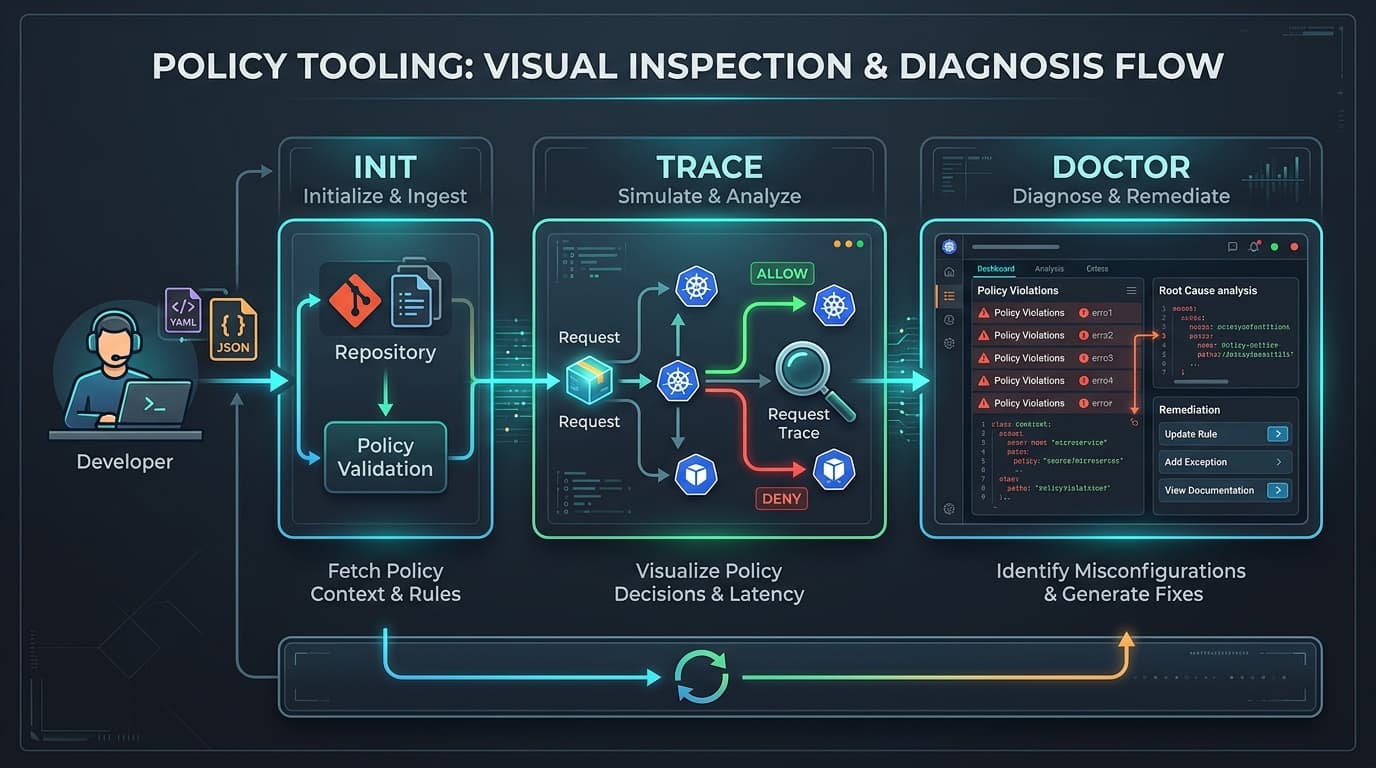
warden gateway
Sandbox every server in your MCP client config
Reads Claude Desktop / Claude Code / Cursor / VS Code style mcpServers configs (JSON) or gateway YAML registries, and sandboxes their stdio servers. Four subcommands cover the lifecycle: generate per-server policies, run one server sandboxed, wrap the whole config so the gateway itself launches every server through Warden, and list what's registered.
- gateway initgenerate deny-by-default <name>.yaml per stdio server; never overwrites; remote (SSE/HTTP) servers are skipped
- gateway runlaunch one registered server under its policy, with the same --backend/--approve flags as warden run
- gateway wrapprint or write a wrapped copy of the config whose stdio commands are prefixed with 'warden run --policy ...'
- gateway listshow registered servers, stdio vs remote, and policy presence
warden gateway <init|run|wrap|list> --config <file> --policies <dir> [options]warden gateway init --config claude_desktop_config.json --policies ./policies
warden gateway run --config claude_desktop_config.json --policies ./policies --server github
warden gateway wrap --config claude_desktop_config.json --policies ./policies --output wrapped.json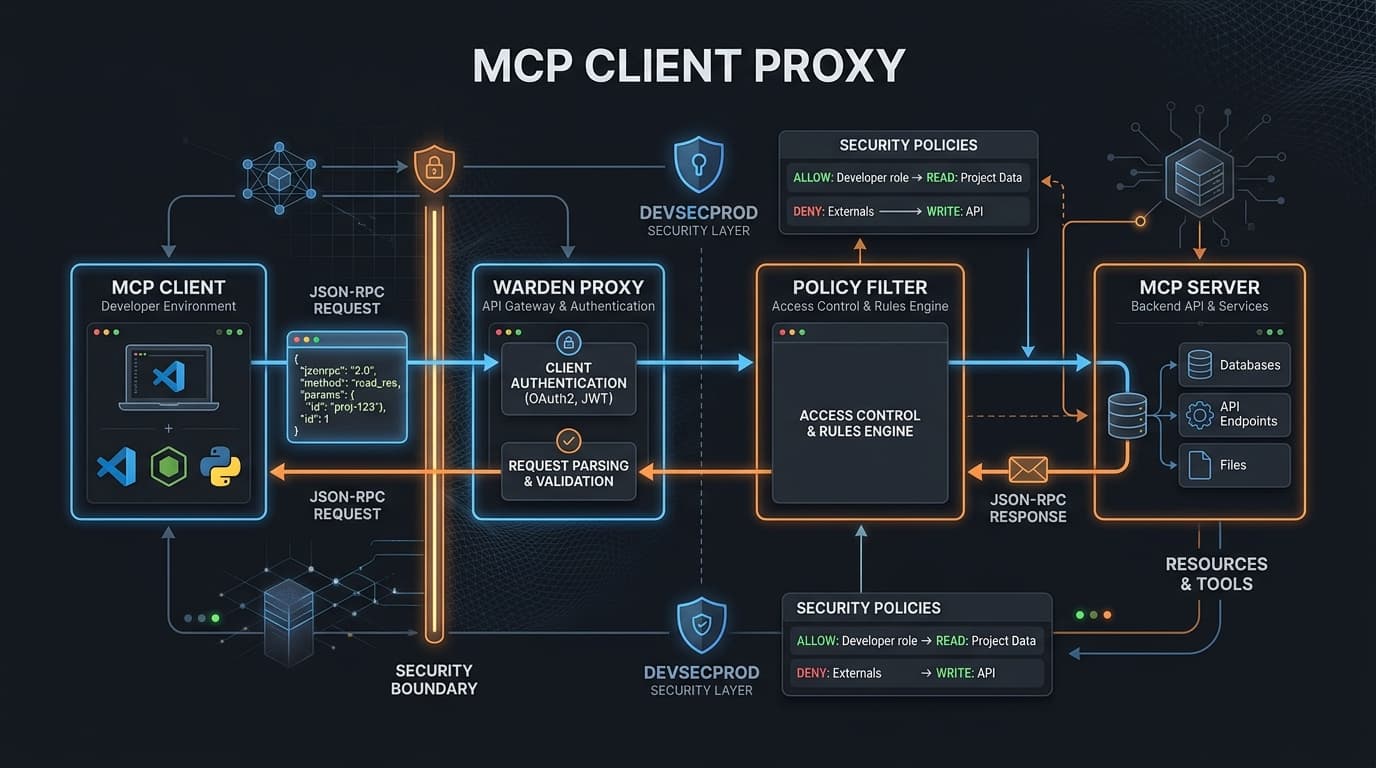
warden proxy
Filter MCP JSON-RPC in both directions
A local filtering proxy that sits between your MCP client and an upstream server. Newline-delimited JSON-RPC messages are inspected both ways: tool calls are checked against an allowlist, secret deny patterns (like API-token regexes) block responses from leaking credentials, and oversized payloads are rejected. Every decision is audited. Supports local stdio upstreams and remote http(s) MCP servers (Streamable HTTP and SSE).
- Tool allowlistonly listed tools may be called
- Deny patternsregexes that block secrets (e.g. ghp_… tokens) from crossing the proxy
- Payload size caps and request auditing
- stdio upstreams receive only env.allow variables (deny-by-default)
warden proxy --policy <file> [options]warden proxy --policy mcp-policy.yaml
warden proxy --policy mcp-policy.yaml --listen :9000
warden proxy --policy mcp-policy.yaml --upstream "stdio:cat"warden k8s
Translate policies into container + K8s hardening
Compiles a Warden policy into hardened Deployment + NetworkPolicy manifests or a docker run commandsame grants, different enforcement layer. Generated manifests ship with secure defaults: read-only root filesystem, non-root user, all capabilities dropped, and seccomp RuntimeDefault.
- renderemit K8s YAML manifests (Deployment + NetworkPolicy egress rules)
- dockeremit the equivalent docker run command
- validatecheck a policy is deployable and surface warnings (e.g. FQDN limitations)
- filesystem.read → readOnlyRootFilesystem + RO volumes; network.allow → NetworkPolicy egress; limits → resource limits
warden k8s <render|docker|validate> --policy <file> [options]warden k8s render --policy policy.yaml --image myapp:latest --output k8s.yaml
warden k8s docker --policy policy.yaml --image myapp:latest
warden k8s validate --policy policy.yaml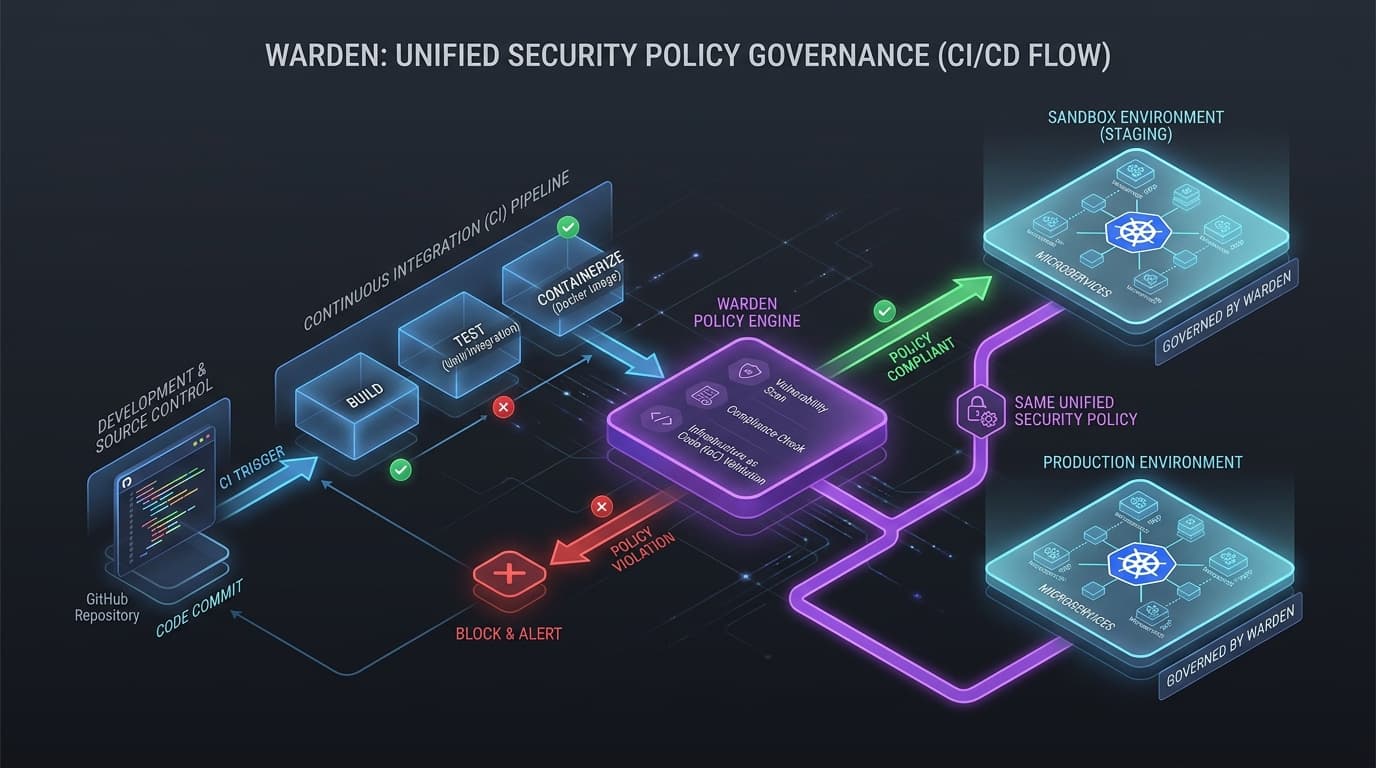
warden update
Checksum-verified self-update
Updates the Warden binary in place. It queries the npm registry for warden-sandbox-cli, downloads the matching GitHub Release binary for your platform, verifies its SHA256 against the published SHA256SUMS, and installs into the versioned cache. Downgrades are refused; any verification problem aborts the install.
- --check to compare current vs latest without installing
- --version <v> to pin a specific release
- HTTPS-only to pinned hosts; no shell interpolation of version strings
- The CLI also warns (once per 24h, non-blocking) when a newer release exists
warden update [--check] [--version <version>] [--yes]warden update --check
warden update --yes
warden update --version 0.1.15 --yes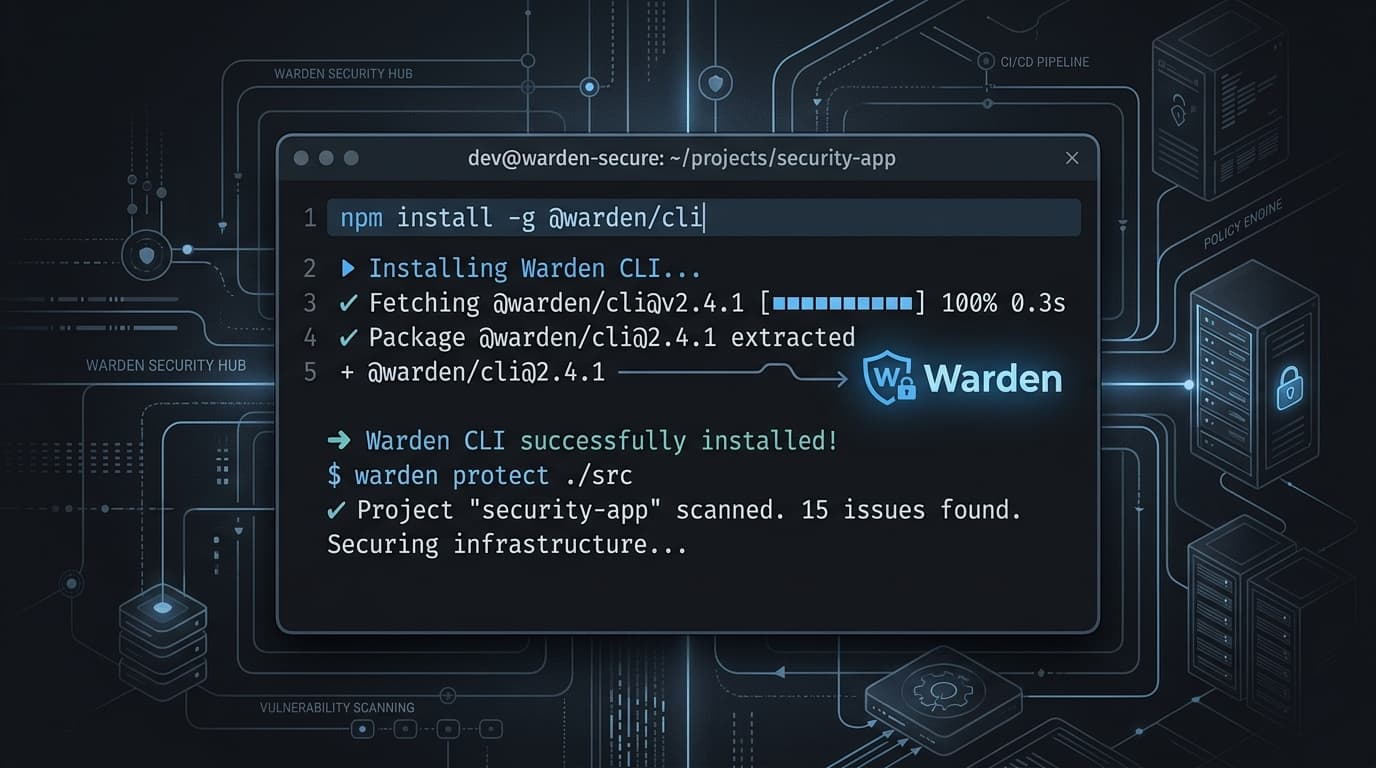
Ready to sandbox your first server?
Install the CLI, trace once, and run under a policyin about two minutes.